

Get your training online - home dojo setup tips
Through the past 6 years of offering online classes for my martial arts students, and online services for my health and fitness clients, I’ve curated a list of “home dojo” setup tips to help those working with me online get the most of their session - wherever the world finds them. Use this page to help guide you and of course reach out with questions.
General Home Dojo Setup Guidance
For any home dojo space, the following guidance is helpful:
Check your internet connection
Ethernet/hard wiring is always best to promote stability, else, close to the router as possible. Actions/movements in martial arts can be high speed, so ensuring you can follow as closely as possible always helps.
Clear training space
Although you don’t need an entire basement for your home dojo, you will likely need ~6’ (180cm) from the camera to your student to ensure they have room for basics, kicks, kata, etc. In terms of width, When I travel for business and teach online, I (personally) can make ~3’ of width work with kata stepping in place if absolutely necessary, but obviously the more the merrier!
Make sure you clear the floor space in the intended training area of objects/obstacles. Stubbed toes and slips when training are no fun for anyone!
bare feet when training in your home dojo too, please.
Floor surface
carpet or hardwood usually works great. Avoid tile surfaces if possible as they get slippery once sweaty faces start to train!
consistency of floor surface is optimal to prevent slips/trips from sudden changes from floor to rug/carpet, etc.
Attire
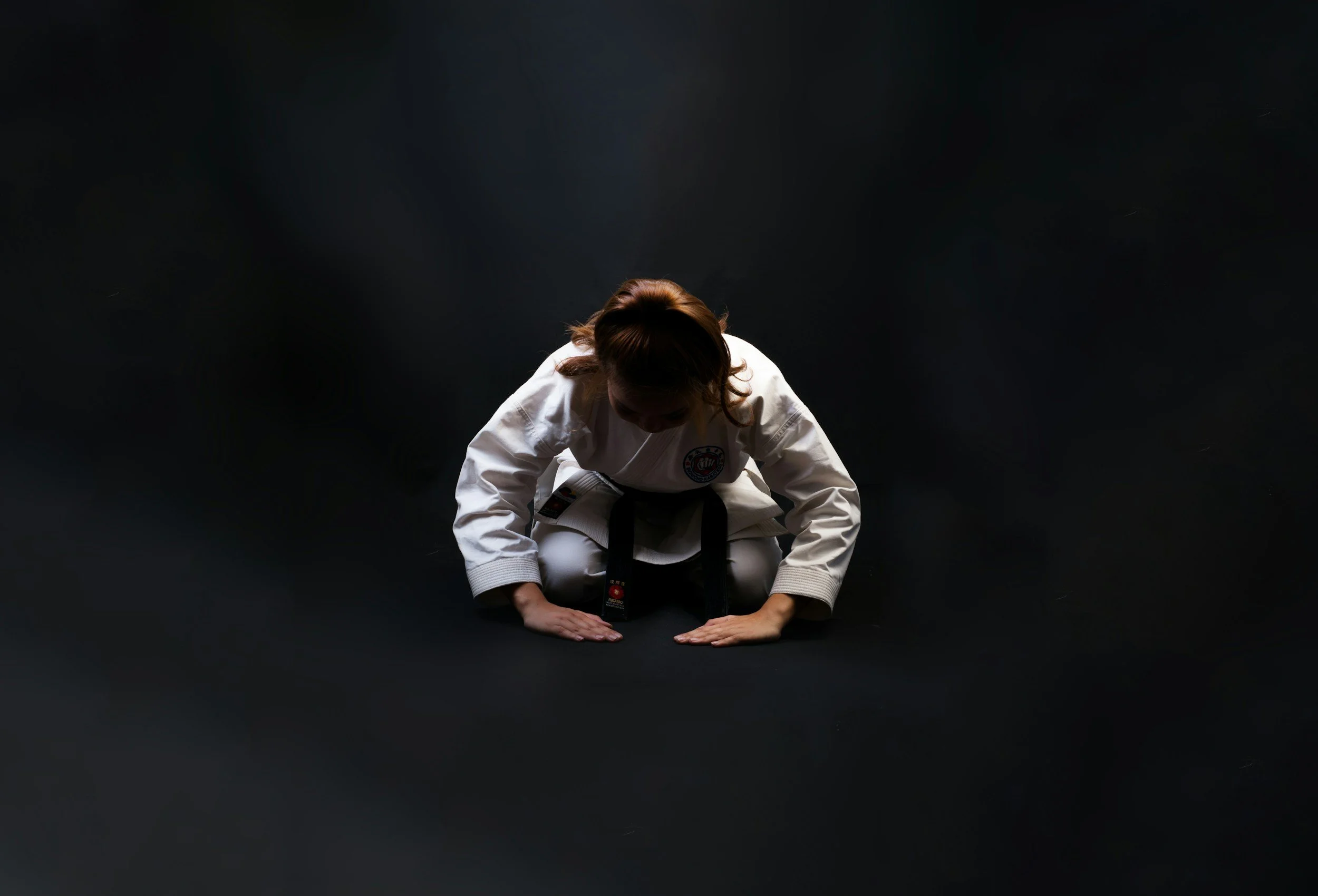
Gi’s and obi (belt) like always please. Treat your home dojo space as you would the dojo in person. Bow yourself in and get your training “on the line”.
Looking for additional tips? See our ultimate guide here
Multi-camera is best
While nice to have and not strictly necessary, a multi camera setup (1 for front, another for side view) is the ideal way to setup a home dojo. This allows the student to train in their home dojo space without having to do extra position changes to review kata details, for me to view technique, etc.
This is best accomplished by either having a phone or tablet for the side view, by clicking the same class link. I will let “both” of your students in, and they can train as normal. The setup process takes a moment, but in my experience teaching online the past 6 years, the multi-camera view is the optimal way to maximize your home dojo space!
Keep a Yoga Mat Handy
Rolls, break-falls, warmup stretching, etc. can absolutely be performed on any floor surface you have access to at your home dojo, but keeping a $20 yoga mat handy for class is an inexpensive tool to add to your home dojo repertoire in pursuit of optimizing your online training pace, space, and process. Ensuring you have no apprehensions or barriers to your training online is a fantastic way to mimic the dojo environment as closely as possible at home. Of course a larger mat like a gymnastics mat works too, and is nice to have if your family wants to invest in this, but is not strictly necessary and can be similarly accomplished with a smaller, more convenient, and less expensive option like a yoga mat.
“Frame” Your home dojo with Painter’s Tape
At the dojo, we use lines on the floor as a training tool to help guide students for starting points, finishing points, alignment, embusan, etc. Keeping a roll of painters tape at your home dojo will allow you to create the same lines with the same purpose - as a training tool for when you are training online at your home dojo.
Looking for guidance as to what specifically to “frame”? A simple line, the width of your home dojo is a great starting point and will serve much the same function as the lines at the dojo for a useful training tool. Painter’s tape ensures easy setup and tear down of your home dojo after class with no damage to floor surfaces!
Privacy as able
Everyone’s home dojo situation is different, and of course could not replicate the in person dojo environment perfectly. Having said that, creating a training space where you/your child can mimic it as closely as possible is ideal. In this way, privacy is the fastest and most powerful tool most families have access to.
Creating a space where doors are closed, passing eyes, ears, pets, etc. cannot take away from focused training time goes a long way. headphones/earbuds are a personal choice. I’ve gone back and forth between using them myself. They do allow a student to limit distractions by having my voice aimed directly at them which can help with focus, breathing, meditation components, AND minimize other “home dojo” noises like siblings, dishwashers, garages, etc. On the other hand, having to “fiddle” with connections, earbuds falling out, and setup challenges can be drawbacks. Best to test this out on your side and see where it fits in your particular case. I am fine with both options and have students and clients thriving with both solutions.
Preparation prevents poor performance!
If it’s your first online class, having the dojo class link ready is the best step you can take to ensure you are ready for class. This means 3 minutes before class starts, you are not digging through emails or the dojo website trying to find where to go. The same can be said for camera(s), where having devices in your home dojo in advance, with links pre-loaded, home dojo space finalized (see #3 and #4 above) and camera positions where you want them to be can save lots of time for a student joining class online. Once setup a few times, you will quickly get into a routine and this will become nearly friction free.
If you attend classes from your “home dojo” regularly, I recommend creating a note/folder on your device with the dojo website, class link, and this page for quick access. This will ensure the student can always setup for class quickly and efficiently without arriving late.